
| Название / Заголовок | Apache2 Ubuntu Default Page: It works |
|---|---|
| Обновлено | 2026-10-21 10:19:16.268229+00 |
| IP адрес | 159.69.49.14 |
| Проверка IP | 2025-12-05 09:24:21.185791+00 |
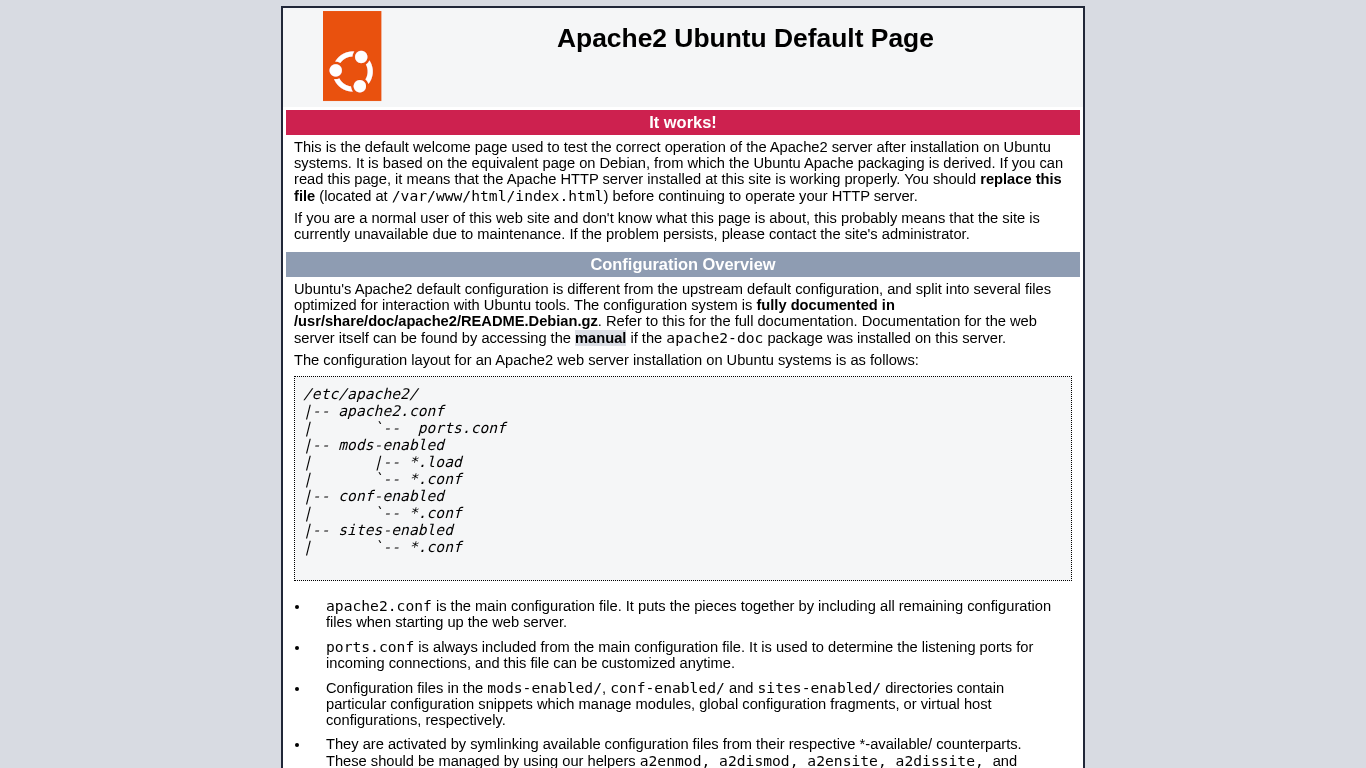
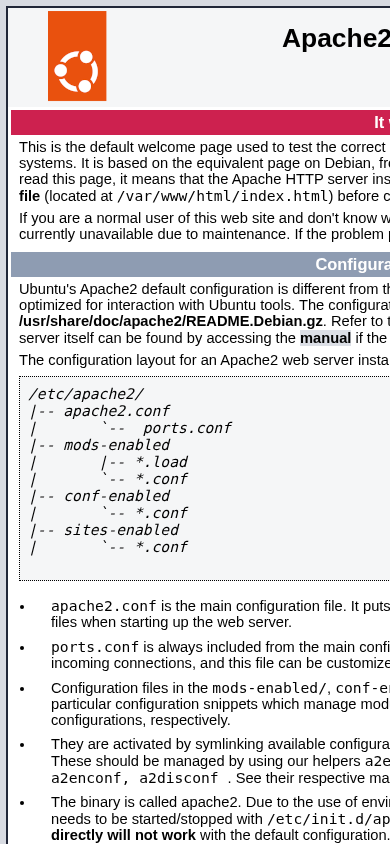
| AI-анализ | Интернет-ресурс t-linux.by представляет собой стандартную страницу приветствия, созданную для проверки корректной работы Apache2 сервера на системах Ubuntu. Страница содержит информацию о том, что это тестовая страница и рекомендации по замене файла index.html для продолжения работы HTTP-сервера. Конфигурация сервера разделена на несколько файлов, оптимизированных для взаимодействия с инструментами Ubuntu, и документация доступна в /usr/share/doc/apache2/README.Debian.gz. |
| SEO-лексика | the apache2 configuration this ubuntu default server web conf and for page you site file from can var www html |
| Безопасность | hsts: ❌, csp: ❌, x_frame: ❌, x_content_type: ❌, re...hsts: ❌, csp: ❌, x_frame: ❌, x_content_type: ❌, referrer_policy: ❌ |
| Технологии сайта | Apache |
| Кодировка | utf-8 |
| AI-качество | -1 |
| Флаги | {encoding:utf-8} |
| Robots.txt | Открыть robots.txt<!DOCTYPE HTML PUBLIC "-//IETF//DTD HTML 2.0//EN"> <html><head> <title>404 Not Found</title> </head><body> <h1>Not Found</h1> <p>The requested URL was not found on this server.</p> <hr> <address>Apache/2.4.58 (Ubuntu) Server at t-linux.by Port 80</address> </body></html> |
| Sitemap | ❌ Нет |
| QR / Короткая ссылка |  niti.by/1mtZ |